- Sep 9, 2025
Passkeys and Verifiable Credentials: When and How to Use Them?
- Daniel Krzyczkowski
In today’s digital world, security and convenience often feel like opposing forces. Traditional passwords are no longer enough to protect sensitive data, and yet replacing them with stronger solutions can sometimes create friction for users. That’s where passkeys and verifiable credentials come in - two powerful technologies designed to enhance trust, streamline authentication, and reduce risk. But while both aim to improve identity and access management, they serve different purposes and are best applied in different contexts. In this post, we’ll explore what passkeys and verifiable credentials are, how they differ, and when to use each to strike the right balance between usability and security.
The difference
While both, Verifiable Credentials and Passkeys, are designed to build trust online, they aren’t interchangeable. Passkeys focus on making logins safer and simpler, while verifiable credentials help prove who you are in a more flexible, reusable way. Passkeys bring cryptographic authentication to everyday logins, while verifiable credentials provide a framework for portable, privacy-preserving identity.
Passkeys

Passkeys are a passwordless login technology that uses cryptographic keys instead of passwords.
Passwordless authentication made practical – Eliminates reliance on traditional passwords, reducing risks of breaches and forgotten credentials.
Built on open standards (FIDO2 & WebAuthn) – Uses modern public-key cryptography to ensure trust without storing shared secrets.
Unique trust per service – Each device or browser generates a distinct passkey for every application or service, preventing credential reuse.
Flexible storage and portability – Private keys can stay securely on the device or be synced via cloud services for seamless multi-device access.
Strong defense against phishing – Users authenticate without ever typing a password, delivering both high security and a smooth, low-friction experience once registered.
It is also very important to mention that passwords still play a limited role when it comes to Passkeys usage. Some systems allow “something you know” (like a password) only for initial setup or account recovery, not for daily sign-ins.
What Passkeys don’t cover?
While Passkeys increase security level of authentication and eliminate passwords, there are a couple of things they do not provide.
Passkey doesn't store and present claims about the user.
Passkey doesn't represent roles or relationships.
This is where Verifiable Credentials can help and cover the missing parts.
Verifiable Credentials

Verifiable Credentials is a passwordless solution to store and present claims about the user. Let's cover a couple of more details related to Verifiable Credentials.
Trusted digital credentials – Verifiable Credentials (VCs) use cryptographically signed claims, typically packaged in JWTs, so their authenticity can be checked against the issuer.
Human-to-application trust – Unlike passkeys that tie trust to a device, VCs allow people to prove who they are regardless of which device they use.
Secure key management – Users (holders) keep their own private keys on their device, while issuers use their own keys only to sign credentials at issuance.
Beyond authentication – VCs can handle both login (authentication) and access rights (authorization), offering more flexibility than simple sign-in.
Privacy by design – Users can selectively share only the necessary verified attributes (e.g., age, membership status), reducing overexposure of personal data.
When to use Passkeys, when Verifiable Credentials, and when to use them together?
Passkeys and Verifiable Credentials can be use separately depending on the scenario but they also perfectly fill out each other.
When to use Passkeys?
Passkeys help replace passwords in everyday logins. They focus is primarily on authentication.
When can they be used?
Logging into your bank app with FaceID instead of a password.
Accessing a SaaS tool like Slack or Dropbox without remembering credentials.
Enabling employees to log into corporate apps securely and quickly.
When to use Verifiable Credentials?
With Verifiable Credentials it is possible to prove user's identity and also what user is entitled to. They can be used for both, authentication and authorization.
When can they be used?
Proving you’re over 18 when buying alcohol online, without exposing your full ID.
Showing a digital diploma or professional certification to access a job portal.
Presenting proof of employment to get corporate discounts or benefits.
Can they work together?
Passkeys and Verifiable Credentials can be used together and can perfectly fill out each other. We can combine them for high-trust interactions that require both secure login and proof of identity or role. Let's analyze the below scenario.
Verifiable Credential issuance
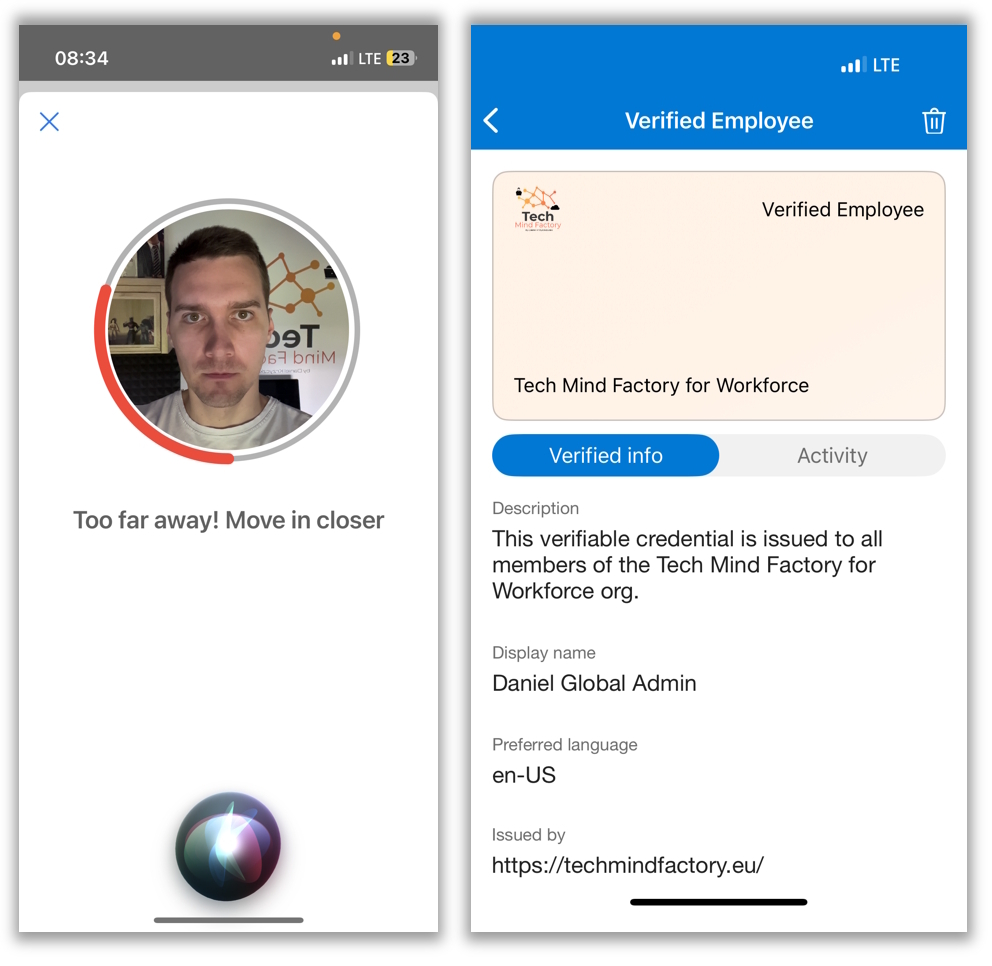
Once the user is onboarded and user's identity is verified, Verifiable Credential is issued to the user.
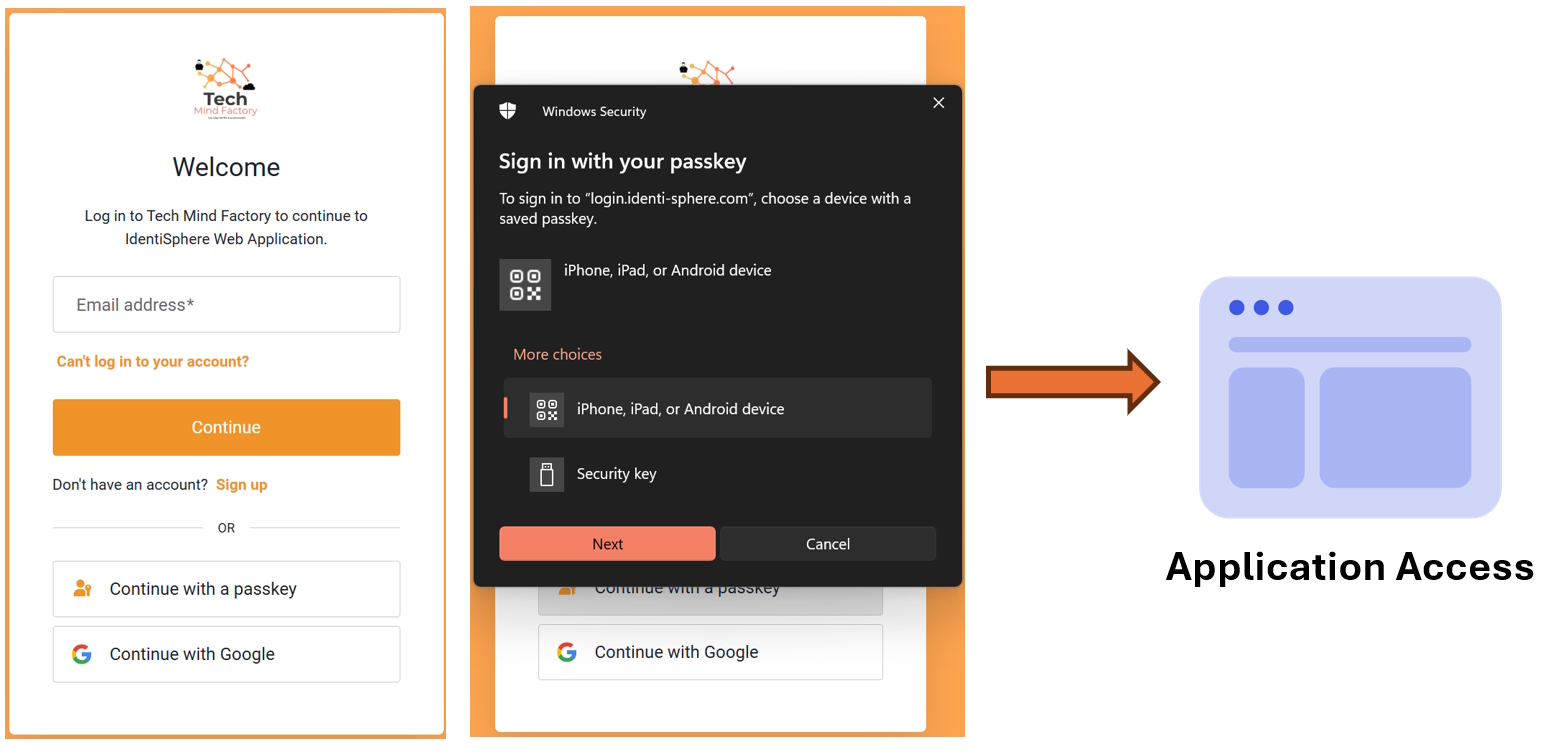
Sign in with Passkey to access application
Next user is trying to access one of the applications. To authenticate user selects Passkey to sign in.
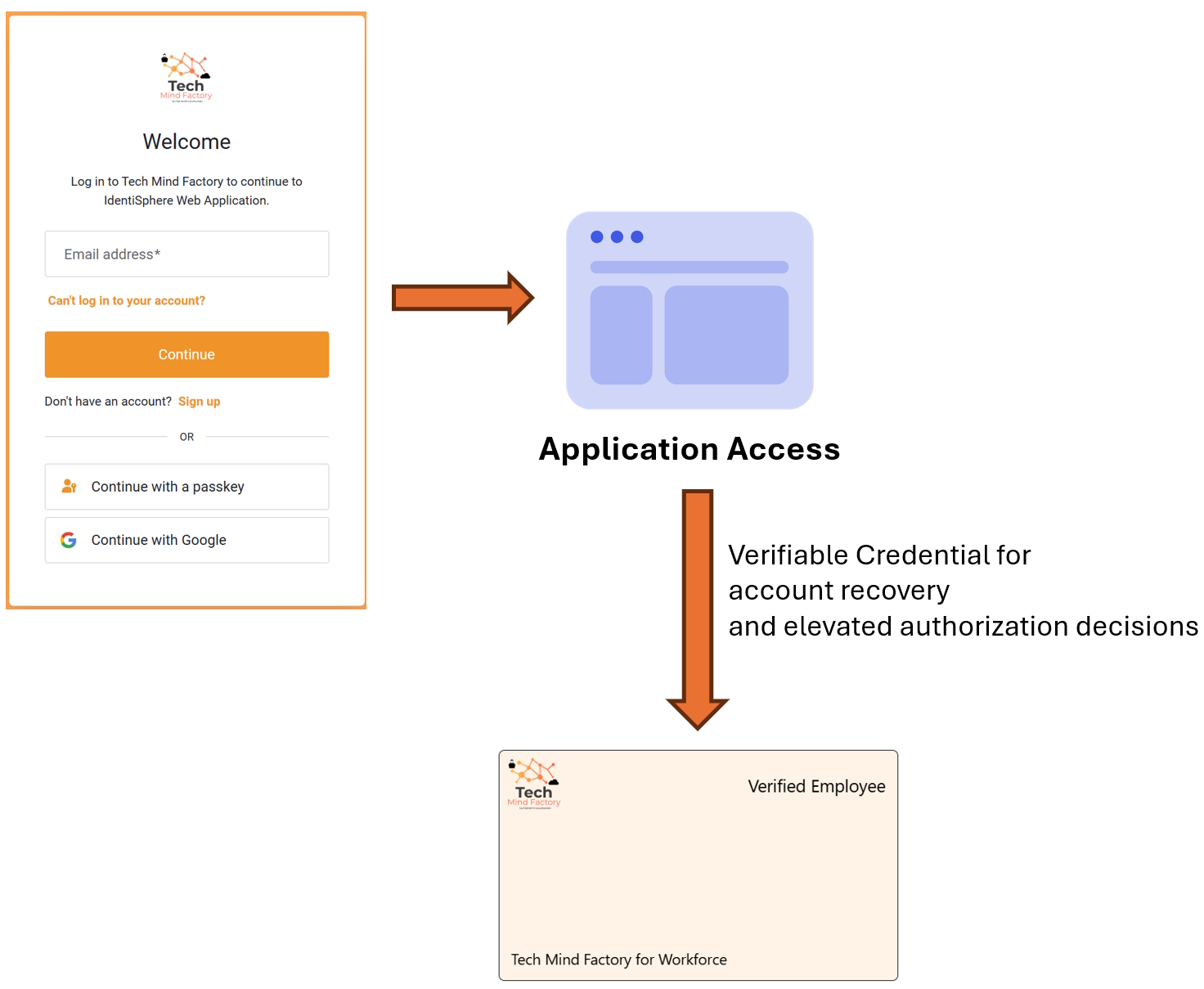
Verifiable Credential for account recovery and elevated authorization decisions
When user cannot use passkey anymore to sign in, there is an option to proceed with account recovery flow. This requires user to present Verifiable Credential and optionally (recommended) do a face-check during the presentation. There can be also a scenario when authenticated user wants to access highly-privileged information. Then Verifiable Credentials needs to be presented to complete authorization check.
Summary
The truth is that a best in class architecture can use both solutions - Passkeys and Verifiable Credentials. It is important to use the right tool for the right job.
In short:
Use Passkeys when you need strong, phishing-resistant login.
Use Verifiable Credentials when you need to prove identity, attributes, or roles.
Use both when the interaction requires secure sign-in plus additional information about the user is required for authorization or recovery purposes.